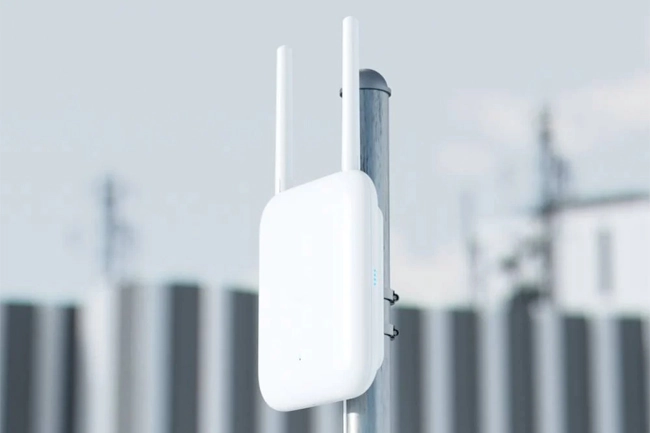
Wi‑Fi Network Installation & Maintenance

Wi‑Fi network design, installation and maintenance. Access points, mesh solutions, coverage surveys, configuration and technical support.


Wi‑Fi network installation and maintenance — access points and mesh

Wi‑Fi that works in every corner

Good Wi‑Fi is not just a “strong signal”. A reliable wireless network requires proper planning, the right equipment, correct configuration and security. We design Wi‑Fi networks for homes and businesses so the connection stays stable even with many users and high load.

We install and configure routers, access points (Access Point / AP), mesh systems and, if needed, perform coverage surveys (site survey). We set up separate networks (for example, guest Wi‑Fi), VLAN, QoS, PoE power and select optimal channels/bands (2.4/5/6 GHz).

  • WiFi 6 / WiFi 6E / WiFi 7 valmidus
  • Access points, mesh and controller-based solutions
  • Guest Wi‑Fi, VLAN, security (WPA2/WPA3)
  • Coverage optimization and interference reduction
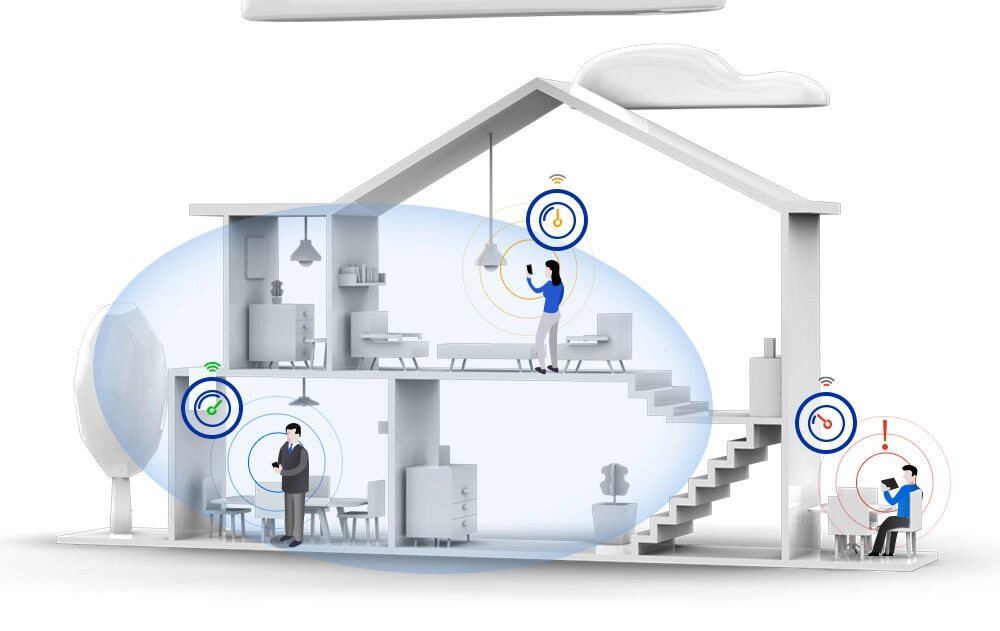
Benefits of a Wi‑Fi network

We deliver turnkey Wi‑Fi installation: planning, cabling works if needed, equipment installation, configuration and handover. We help you choose the best solution for your budget and goals.

Wi‑Fi coverage survey and planning (site survey)

Wi‑Fi coverage survey and planning (site survey)

If Wi‑Fi “disappears” behind walls, speeds fluctuate or some rooms have no coverage, the cause is often placement and interference. We perform a coverage survey and plan access point placement to remove dead zones and improve signal quality.

  • Access point placement planning
  • Channel and band selection (2.4/5/6 GHz)
  • Interference and load analysis
  • Recommendations for equipment and antenna selection

KKK

Why doesn’t one powerful router cover the whole house?
Walls and ceilings, metal structures, underfloor heating and neighboring networks reduce signal strength. The best result comes from multiple correctly placed access points or a mesh system.

Is 5 GHz always better than 2.4 GHz?
5 GHz is usually faster and less prone to interference, but the coverage radius is smaller. 2.4 GHz reaches further but is often more congested. A good Wi‑Fi network uses both bands.
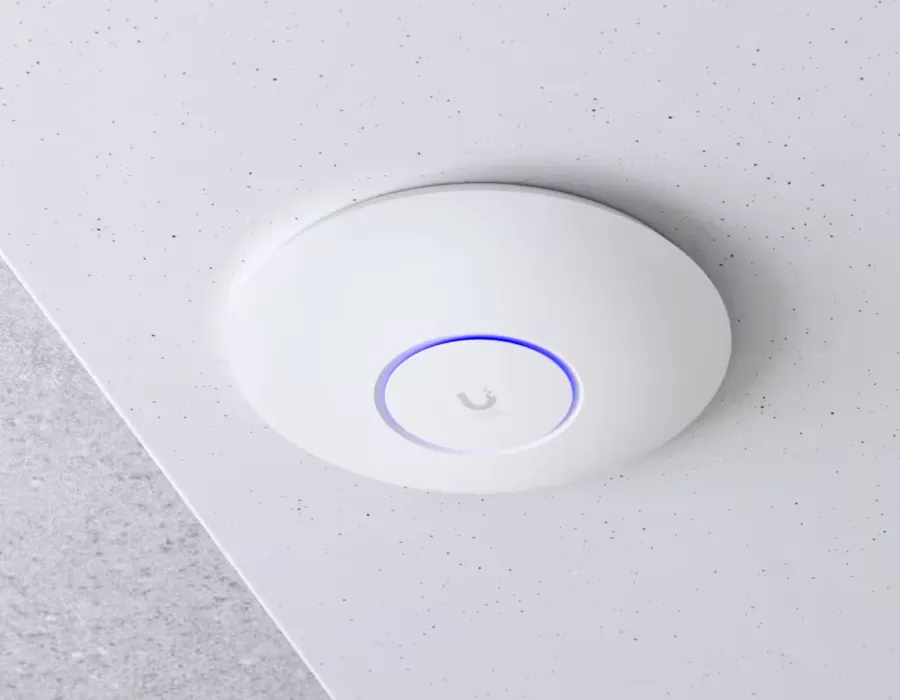
Ceiling access point installation (PoE)

Access points and PoE installation

For offices and larger homes, dedicated access points are usually the best solution. We mount APs on the ceiling or wall and power them via PoE (Power over Ethernet), which provides a clean installation and higher reliability.

  • Ceiling / wall mounting
  • PoE injector or PoE switch
  • SSID, roaming and load balancing
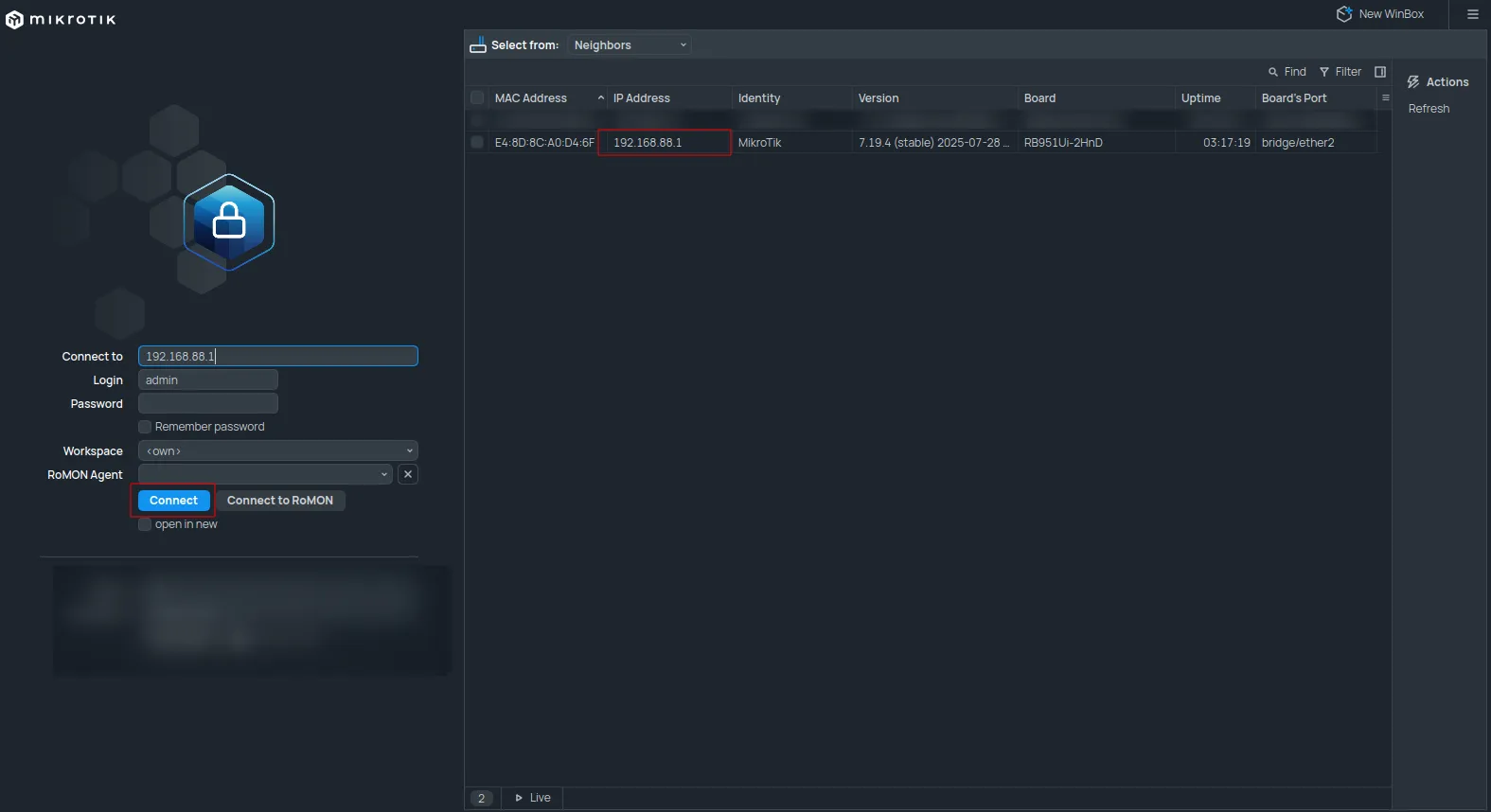
  • Controller-based management (if needed)
Mesh Wi‑Fi solution for home

Mesh Wi‑Fi for home

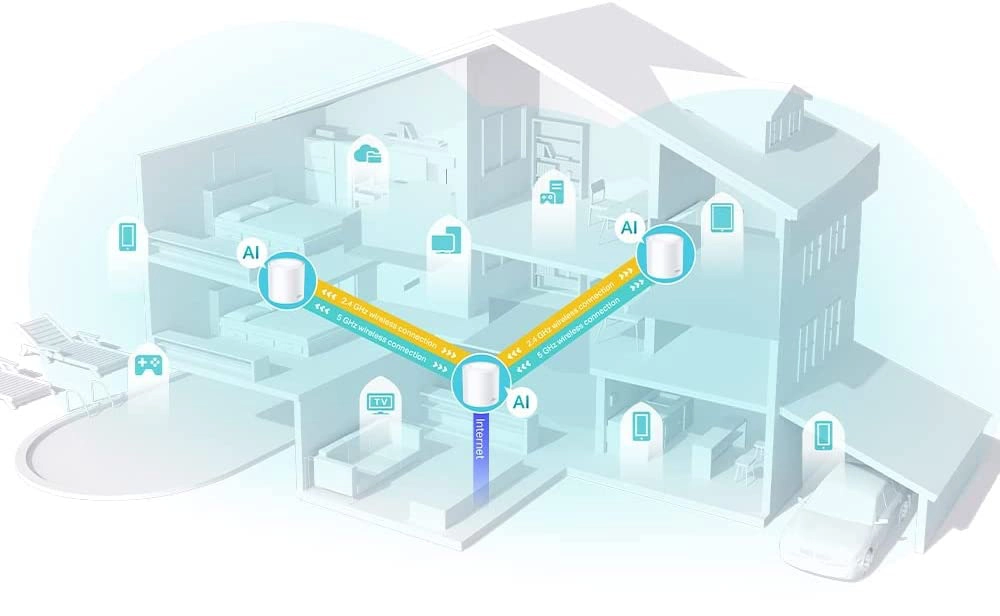
A mesh system is ideal for apartments and private homes when you need a simple option without complex administration. We choose the best node locations and configure the network so devices roam smoothly between them.

  • One network name (SSID) across the whole home
  • Good coverage across multiple floors
  • Fast installation and easy use

KKK

Do you need a cable for mesh?
The best results come from a wired backhaul, but many mesh systems also work wirelessly. We’ll choose the right option for your site and required speed.

How many mesh nodes do you need?
It depends on area, walls and number of floors. Typically 2–4 nodes cover an average house, but a coverage survey will show the exact number.
Business Wi‑Fi: VLAN, guest network and security

Business Wi‑Fi: VLAN, guest network and security

In business environments, it’s important to separate the staff network from guest Wi‑Fi and securely segment critical devices (for example, POS, printers, IP telephony, cameras). We configure VLANs, rules and access for your needs.

  • VLAN and network segmentation
  • Guest Wi‑Fi with separate rules
  • WPA2/WPA3, password policy and access controls
  • QoS and priorities (video calls, VoIP)

Wi‑Fi installation steps

  1. Requirements gathering and site survey
  2. Coverage survey and AP/mesh placement planning
  3. Equipment installation (cabling works and PoE if needed)
  4. Configuration: SSID, security, guest Wi‑Fi, VLAN
  5. Testing, handover and user instructions

Need fast, stable Wi‑Fi? Contact us — we’ll help you choose the right solution, install it and provide maintenance and technical support.

Contact us

NPC Print OÜ
Reg. No.: 14545312
VAT No.: EE102090882
+372 55 600 066
info@provalve.ee
Attach files (up to 6, max 3 MB each)
No files selected